John James
Technology Writer
John James is a technology writer specializing in productivity software and AI tools. With over 8 years of experience testing and reviewing digital tools, he focuses on helping users find technology that enhances their daily lives.
Areas of Expertise
Published Articles
Best AI Keyboard for Accountants and Bookkeepers in 2026
Accountants explain complex numbers to non-experts daily. The best AI keyboard for accountants rewrites jargon into plain client language and keeps every email precise and professional.
Hands-Free Typing for RSI and Carpal Tunnel: Best Dictation Apps for Pain-Free Productivity
Repetitive Strain Injury and Carpal Tunnel Syndrome affect millions of professionals who type for hours daily. For many, voice-to-text dictation is not just a productivity boost — it is a medical necessity that allows them to continue working without pain. This guide reviews the best dictation tools for users with RSI, Carpal Tunnel, or other conditions that make traditional typing painful or impossible. CleverType Desktop provides system-wide voice-to-text that works in every application with on-device processing and 99%+ accuracy, plus AI grammar correction and tone adjustment that eliminate the need for extensive keyboard-based editing after dictation. Compare with Dragon NaturallySpeaking for fully trained offline accuracy, Talon Voice for programmers who need hands-free coding with scripting and eye tracking, Voicy for affordable system-wide dictation, and Apple or Windows built-in dictation as free starting points. Includes ergonomic setup tips, recommended microphones for desk dictation, and a 7-day transition plan for moving from keyboard-primary to voice-primary workflows without losing productivity during the adjustment period.
5 Best Dragon NaturallySpeaking Alternatives in 2026 (That Cost Less Than $699)
Dragon NaturallySpeaking has been the gold standard for desktop dictation for over two decades. But at $699 for a one-time license, a discontinued Mac version, and no meaningful updates since the Microsoft acquisition, many long-time Dragon users are searching for modern alternatives. This guide compares the 5 best Dragon alternatives in 2026: CleverType Desktop offering on-device voice-to-text with AI grammar and tone correction for a fraction of Dragon's price, Wispr Flow with AI-enhanced system-wide dictation at $15 per month, Voicy providing system-wide dictation for Mac and Windows at $8.49 per month, Superwhisper using local Whisper models on Mac with a lifetime purchase option, and OpenWhispr as a free open-source offline option. Each alternative is compared on accuracy, privacy and offline capability, platform support, AI features beyond basic transcription, and total cost of ownership over one, two, and three years. CleverType stands out as the only alternative that combines Dragon-class accuracy with AI writing assistance — grammar correction, tone adjustment, and intelligent formatting that Dragon never offered.
Best Wordtune Alternative for AI Writing & Fixing Grammar
Want Wordtune's rewriting capabilities without the subscription cost? These alternatives offer AI paraphrasing and grammar correction at better value.
Best AI Tools for Doctors in 2026: Medical Writing Assistants
Healthcare professionals need specialized writing tools. Discover AI keyboards and assistants designed for medical documentation, patient communication, and clinical notes.
Grammar Style Consistency Across Apps: How AI Keyboards Help
Maintain consistent grammar style whether you're in Gmail, Slack, or Notes. Learn how AI keyboards ensure style uniformity across all your mobile applications.
Top 10 Free AI Keyboards for Android in 2026
Want AI-powered typing without paying a subscription? This list covers the best free AI keyboards for Android with grammar correction, paraphrasing, and intelligent predictions.
Paraphrase Sentences Like a Professional Writer
Learn professional paraphrasing techniques using AI tools that help you rewrite sentences, maintain meaning, improve clarity, and create unique content effortlessly.
Customise Your Keyboard: Personalisation Tips
Learn how to customise your AI keyboard with themes, emoji preferences, and personalised settings that match your unique writing style and productivity needs perfectly.
Fast Keyboard: Type Smarter, Not Harder
Increase your typing speed with a fast keyboard powered by AI. Discover features like smart predictions, auto-corrections, and swipe typing that boost efficiency.
AI Writing vs Traditional Proofreading: Pros and Cons
Explore the differences between AI-powered corrections and manual editing.
10 Common Grammar Mistakes AI Can Fix in Seconds
See real-world examples of grammar errors that AI writing tools correct instantly.
How AI Fixes Grammar Mistakes Before You Hit Send
Learn how AI writing assistants prevent embarrassing grammar mistakes in emails and messages.

Enhance Your Messaging: AI Keyboard Tips
Use CleverType's AI features to reply faster, smarter, and with the right tone in chats.

how to text like gen z: The Ultimate Guide for Beginners in 2026
A complete beginner's guide to understanding and using how to text like gen z. Perfect for Android users looking to level up their writing game.
Why Everyone Is Switching to AI Write in 2026
Uncover the reasons behind the rising trend of AI write. We break down the top benefits and must-have features for modern mobile users.
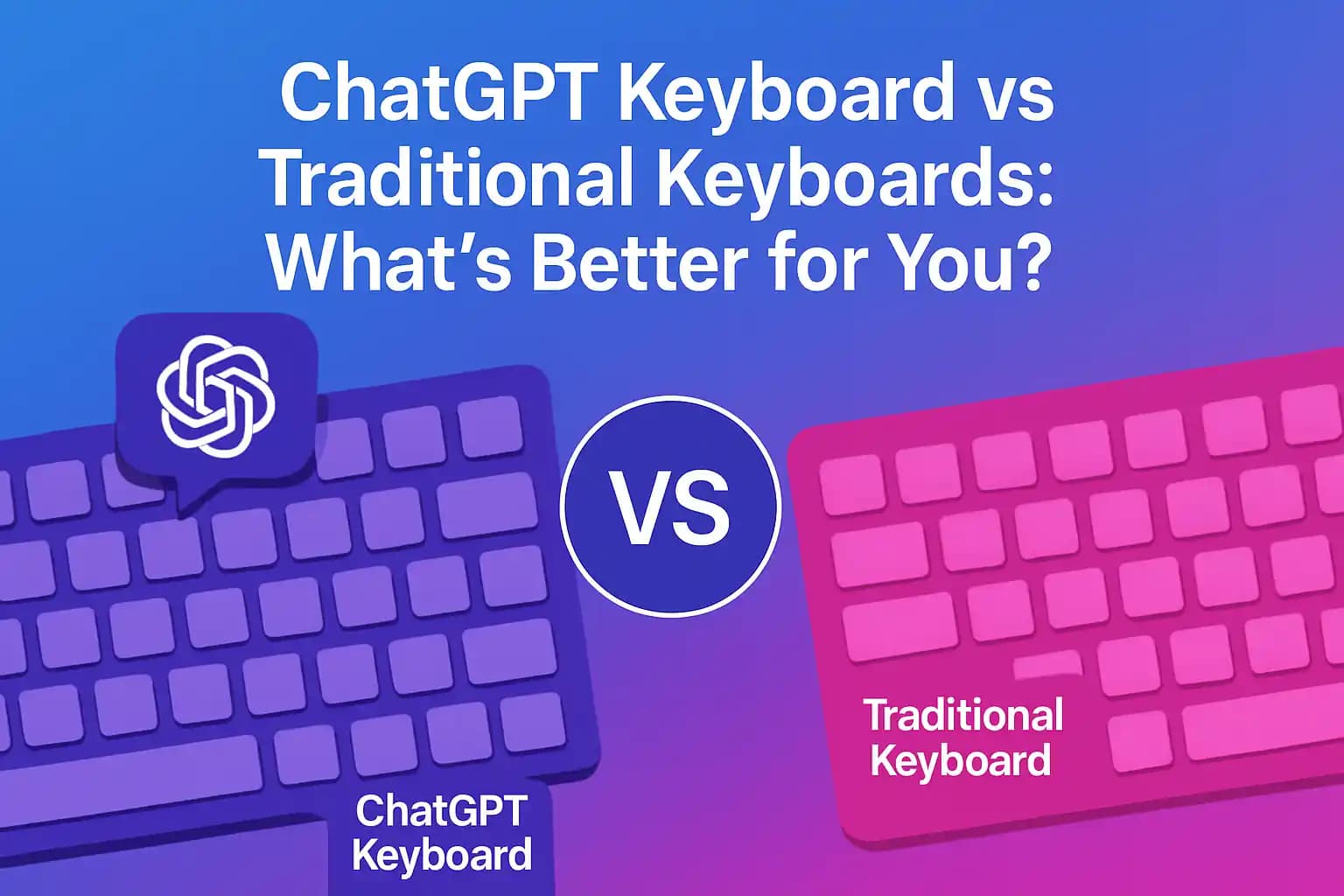
ChatGPT Keyboard vs Traditional Keyboards: What's Better for You?
A detailed comparison between ChatGPT keyboard and traditional mobile keyboards. Find out how AI tools like CleverType enhance typing speed and accuracy.
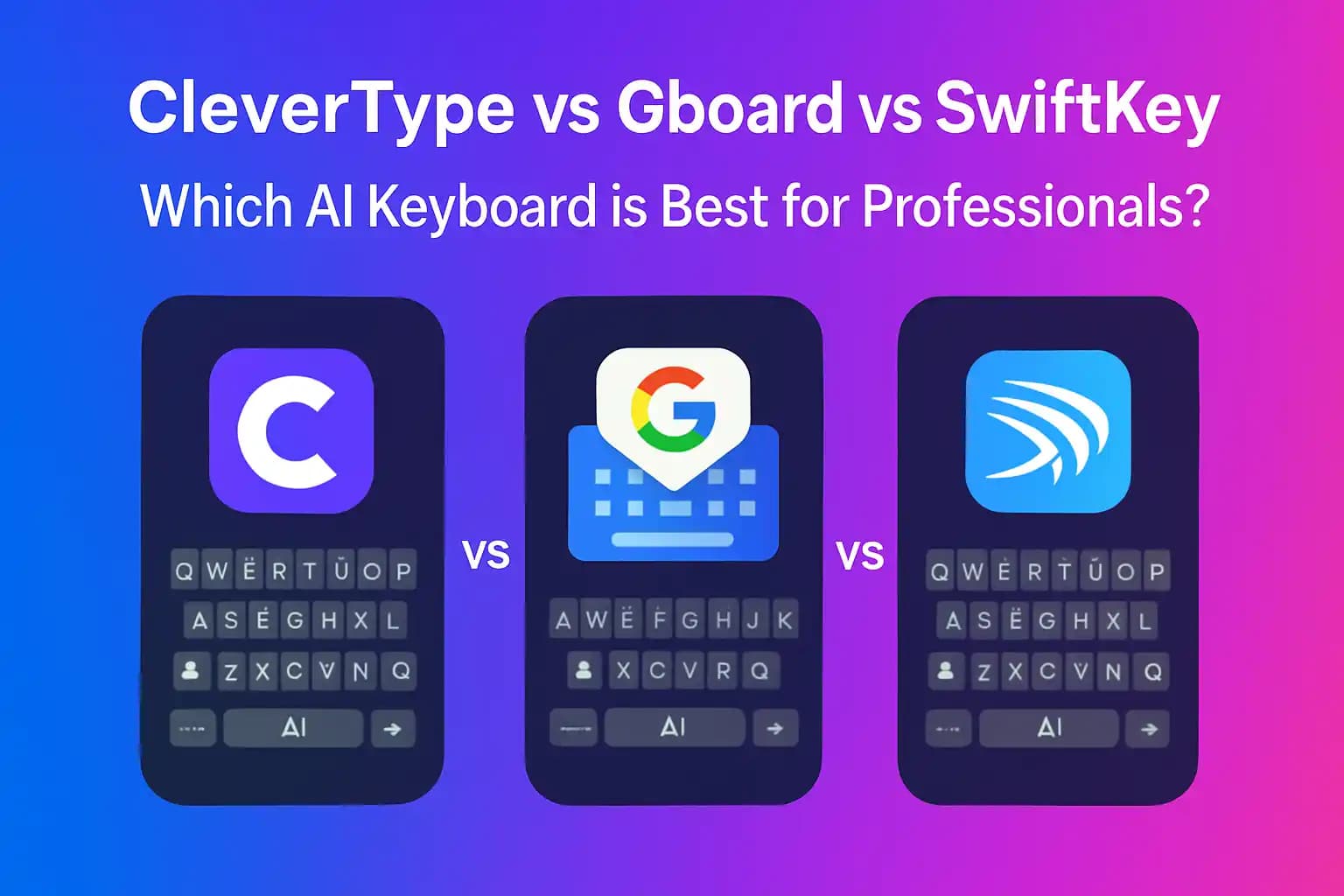
CleverType vs Gboard vs SwiftKey: Which AI Keyboard is Best for Professionals?
A comparative review of three leading keyboards – CleverType, Google's Gboard, and Microsoft's SwiftKey – evaluating them on AI capabilities, multilingual support, and productivity tools. Professionals will get a clear picture of each keyboard's strengths (such as CleverType's ChatGPT integration) to decide which fits their work needs best.
Best AI Keyboards for iOS in 2026
Discover the best AI keyboards for iOS in 2026, including features, pricing, and user reviews.