Fatima Rahman
Content Strategist
Fatima Rahman is a content strategist from Dhaka with a background in journalism and Islamic studies. She focuses on how AI can support ethical storytelling and educational tools in multilingual communities.
Areas of Expertise
Published Articles
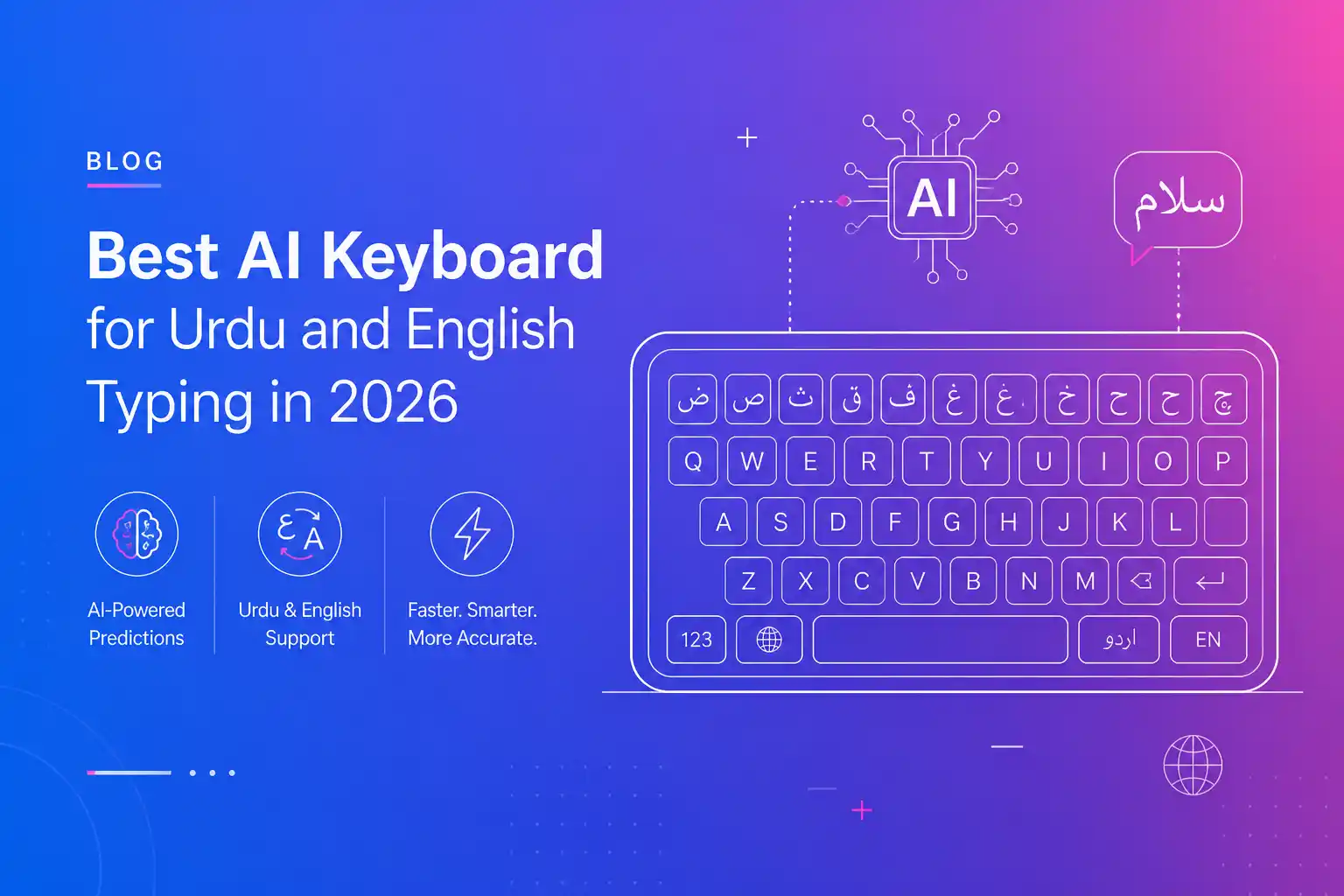
Best AI Keyboard for Urdu and English Typing in 2026
Most people in Pakistan type Urdu in Roman script and switch to English mid-sentence. The best AI keyboard handles transliteration, mixed-script messages, and grammar in both.

Best AI Keyboard for Therapists and Counselors in 2026
Therapists need careful, compassionate wording. The best AI keyboard for therapists helps with session notes, scheduling messages, and client emails while keeping data private on device.

Best AI Keyboard for Entrepreneurs and Startup Founders in 2026
Founders switch between investors, customers, and hires all day. The best AI keyboard for entrepreneurs nails tone for each audience and drafts pitches and updates in seconds.
Best AI Keyboard for Designers: Better Client Feedback and Handoffs
Designers defend decisions in writing as much as in Figma. The best AI keyboard for designers turns rough feedback into clear rationale and keeps client handoff notes polished.

Best AI Keyboard for Nurses: Faster Charting and Shift Handoffs
Nurses type under pressure between patients. The best AI keyboard for nurses speeds up charting, shift handoff notes, and family updates with medical-friendly autocorrect and voice typing.
Best AI Keyboard for Marketing Professionals in 2026
The best AI keyboard for marketers helps write punchy ad copy, headlines, and campaign briefs with built-in tone control, CTAs, and brand voice matching for 2026.
Voice-to-Text for Lawyers: How AI Dictation Saves Hours on Legal Documentation
Lawyers have relied on dictation for decades — from cassette tapes to Dragon NaturallySpeaking. But legacy tools cost $699 and require hours of voice training. Modern AI dictation tools like CleverType Desktop offer a faster, more affordable alternative designed for the legal workflow. This guide covers how lawyers can use voice-to-text for drafting case notes during client meetings, composing referral and demand letters, dictating deposition summaries, creating contract review notes, and drafting client correspondence — all with automatic grammar correction and professional tone adjustment that produces documentation-ready text in one step. CleverType's on-device processing ensures attorney-client privileged communications never leave the device, addressing a critical compliance concern that cloud-based dictation tools cannot match. Includes a comparison of dictation options for legal professionals and workflow templates for common legal documents.
From Gboard to CleverType: Why 4 Million Users Made the Switch
You've been using the default keyboard because it works fine — but here's what fine is leaving on the table. Compare Gboard's basic autocorrect vs CleverType's AI grammar correction that understands context. Gboard's limited voice typing at 91% accuracy in noisy environments vs CleverType's on-device 99%+ accuracy system. Gboard's lack of tone adjustment vs 13+ tone options. The absence of features like Clever Reply and AI assistants in standard keyboards. Includes real user testimonials and rating comparisons with CleverType's 4.7 out of 5 from 25,000+ reviews. Features the specific aha moment stories that made converts realize they could never go back. The desktop app completes the picture — upgrade your entire writing experience across every device.
On-Device Voice Processing: How CleverType Keeps Your Voice Private
In an era where most voice assistants send audio to cloud servers, CleverType chose a different path — processing everything locally on your device. This privacy-focused deep dive explains CleverType's on-device voice processing architecture in accessible, non-technical language. Learn how AI models run directly on your device to convert speech to text without any data leaving the machine. Get answers to common privacy concerns: Is my voice being recorded? Can anyone access my dictation? Does it work offline? See how this contrasts with competitors who require internet connectivity and cloud processing. Ideal reading for privacy-conscious professionals in healthcare, legal, and finance.
Best AI Keyboard for Customer Service Representatives
Customer service requires fast, accurate, and friendly responses. Discover AI keyboards that help support teams maintain quality while responding quickly to customers.
Best Dictation Apps for Professionals: Mobile Keyboard Options in 2026
Professionals need accurate dictation they can trust. These AI keyboard apps offer enterprise-grade speech-to-text with grammar correction and formatting features.
How to Rewrite Messages with AI on Mobile: Complete Guide
Transform poorly written messages into polished text using AI. This guide shows you how to use mobile keyboards for instant rewrites that improve clarity and tone.
Why Ad-Free AI Writing Tools Matter More Than Ever (And How Clevertype Fits In)
As major AI platforms introduce ads, many users are starting to value ad-free, focused writing experiences. This blog explains why distractions, sponsored content, and privacy concerns matter when you're writing emails, messages, or work documents—and how keyboard-level AI tools like Clevertype offer a cleaner, faster, and more user-controlled alternative without interrupting your flow.
Boost Writing Productivity with CleverType AI Keyboard
Discover how CleverType AI Keyboard enhances your writing productivity with smart autocorrect, grammar correction, and AI typing features. Make every keystroke count for better efficiency.
AI Writing Assistant: Boost Productivity
Maximise your writing efficiency with an AI writing assistant built into your keyboard. Get grammar help, paraphrasing, and smart suggestions that save time every day.
Top AI Writing Trends Professionals Should Watch
A breakdown of emerging AI writing features like grammar fix, tone rewriting, and auto-summarization.
From Reports to Presentations: How AI Elevates Business Writing
Learn how AI helps professionals create clear reports and presentations with less effort.
Best AI Writing Assistants for Professionals in 2026
Compare AI writing tools in 2026 that help business leaders, employees, and freelancers write with clarity and confidence.
Vocabulary Enhancement: Expand Your Word Power
Build a stronger vocabulary with AI-powered vocabulary enhancement. Discover how smart keyboards suggest better word choices and help you communicate more effectively.
From Idea to Novel: Writing Fiction with AI Keyboard Assistance
Creative writing assistants suggest vivid adjectives, vary sentence structure and maintain consistent tone, helping fiction writers brainstorm and draft stories smoothly.
Why Everyone Is Switching to AI Keyboard in 2026
Uncover the reasons behind the rising trend of AI keyboard. We break down the top benefits and must-have features for modern mobile users.